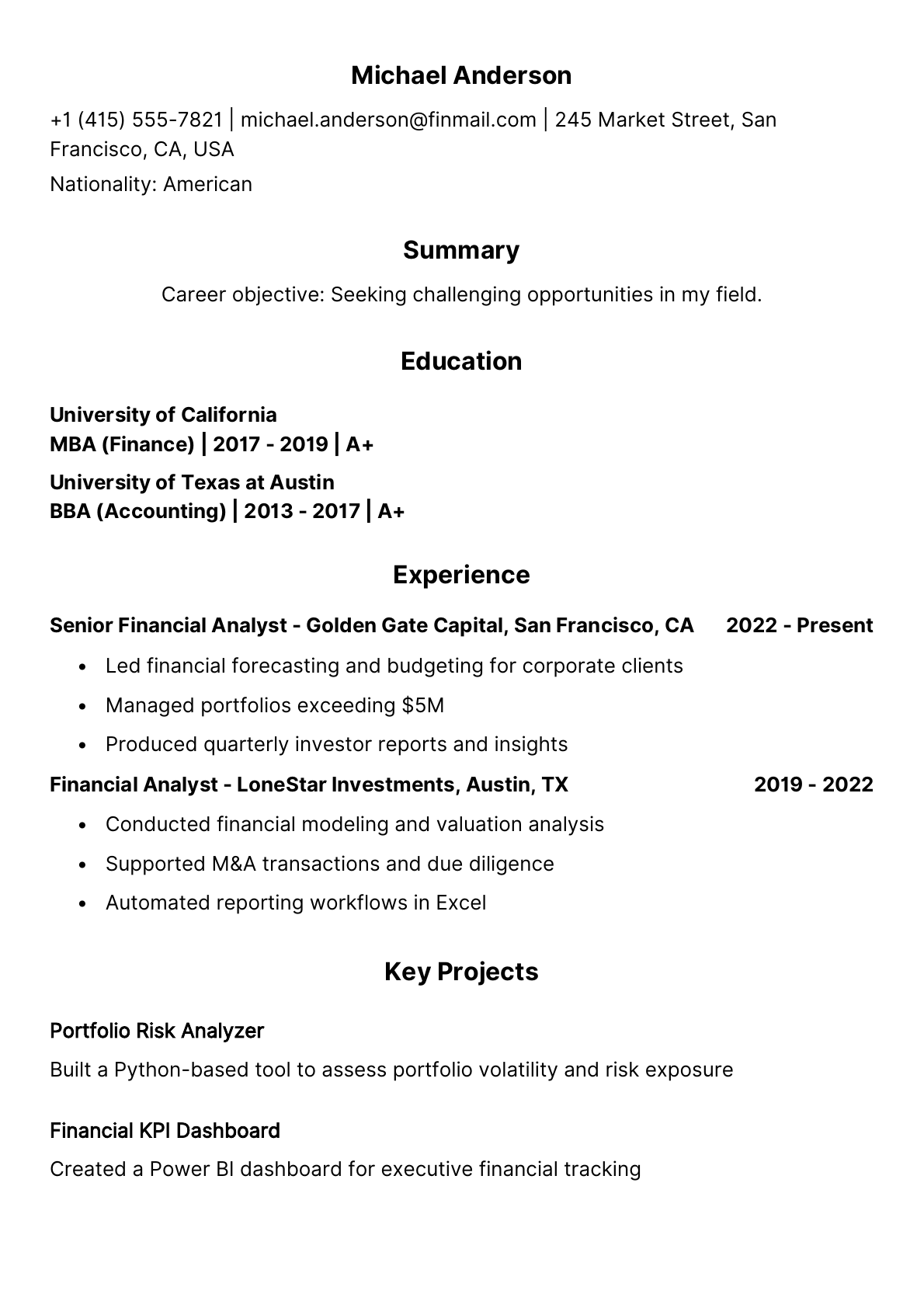
Personal details and contact fields
Add your name, address, email, phone number, photo, website, LinkedIn, social links, and optional personal fields when needed.
Resume Builder & CV Maker for Android
Build polished, professional resumes in minutes. Add your profile, choose the sections you need, preview a real PDF, and download or share your CV when it is ready.
Everything in one builder
ResumeCreator organizes the writing and design steps into focused screens, so your content, layout, and final PDF stay connected.
Add your name, address, email, phone number, photo, website, LinkedIn, social links, and optional personal fields when needed.
Fill the standard resume sections with examples and guidance for job history, degrees, skill levels, references, and career summary.
Turn optional sections on or off based on the role, country, and resume style you are targeting.
Add simple list sections or advanced title-and-details sections for content that does not fit a default category.
Control the display order and section titles so your CV reads in the order that best supports your application.
Prepare a cover letter, add a signature, and include extra supporting information when your application requires it.
Template gallery
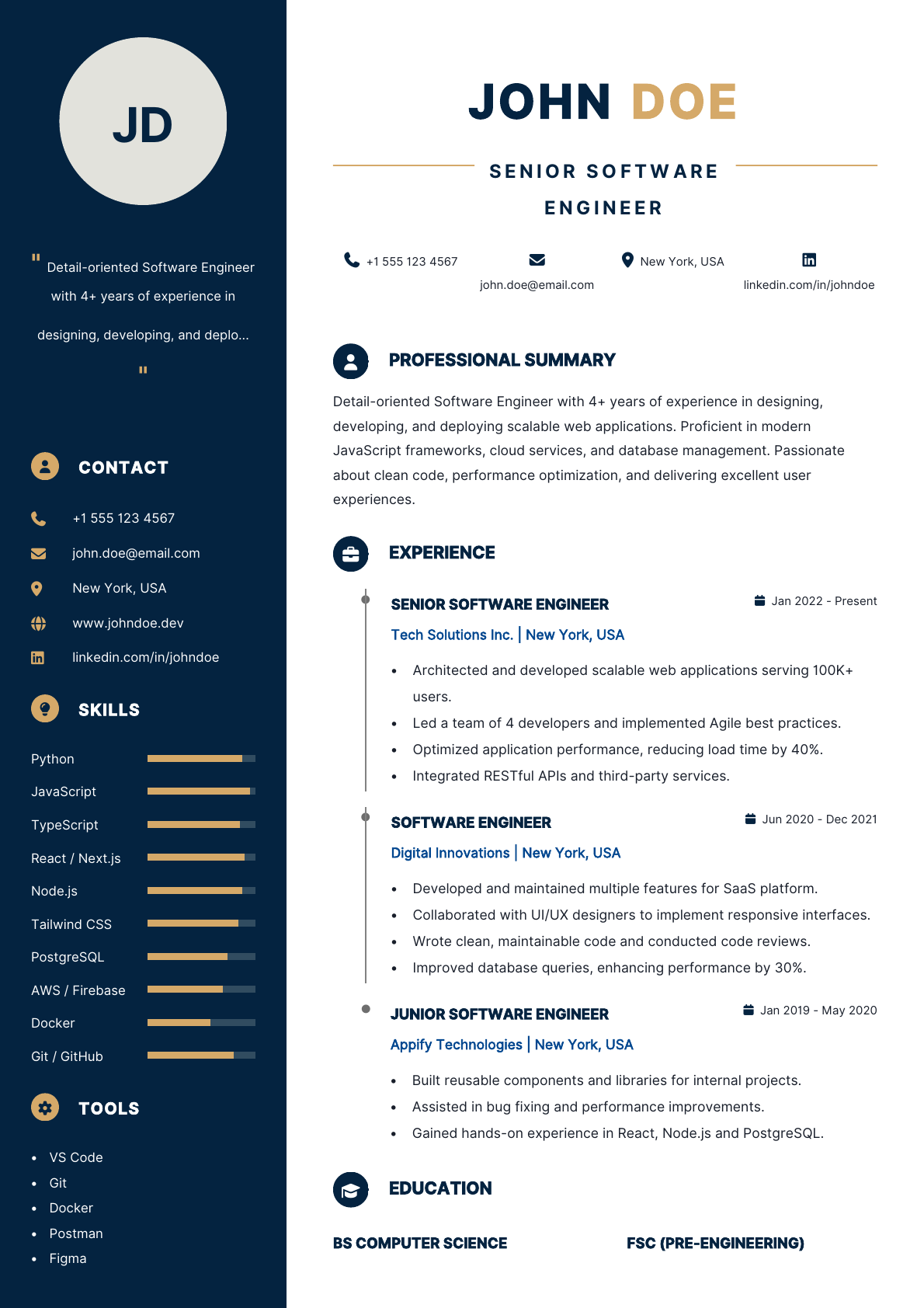
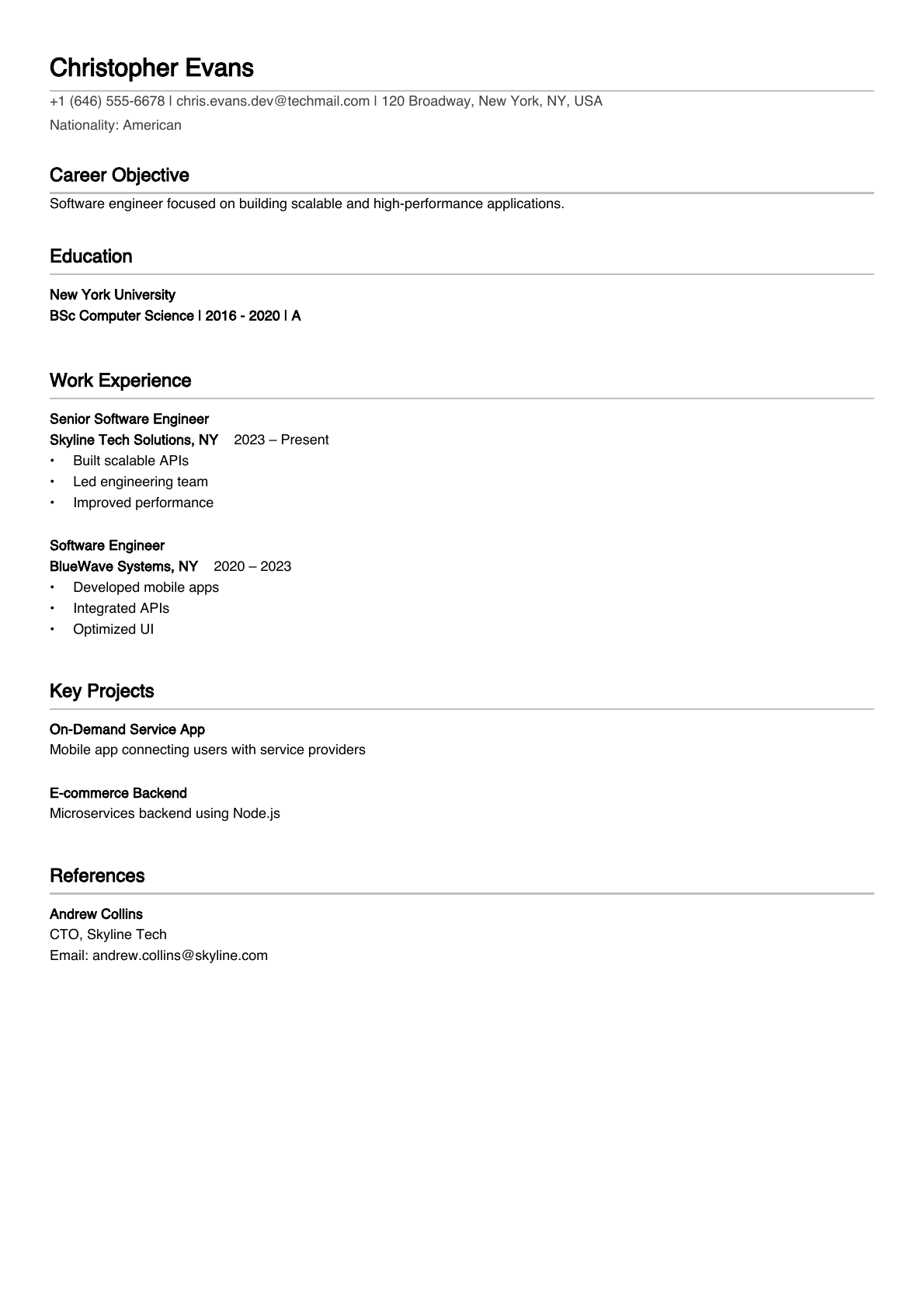
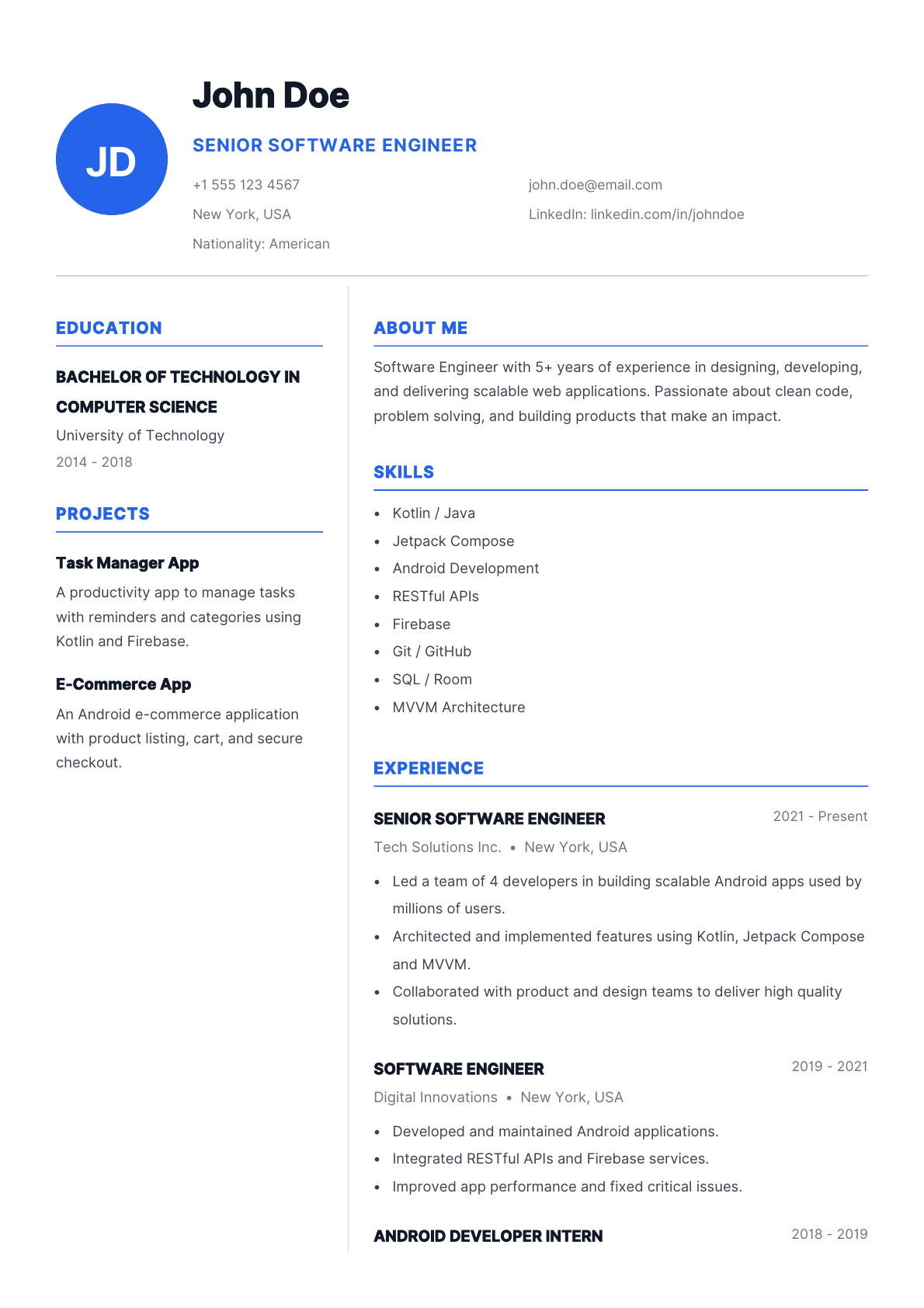
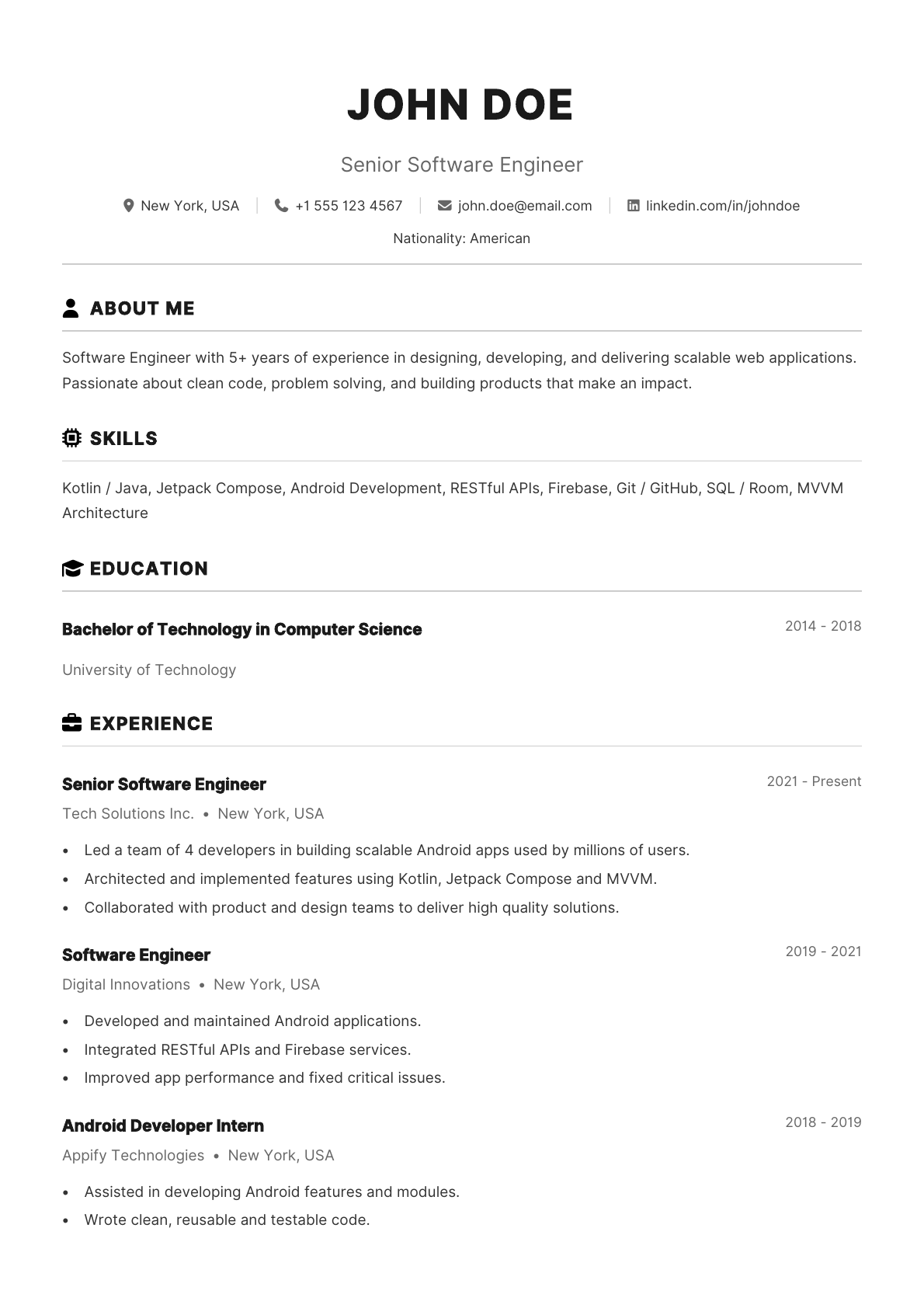
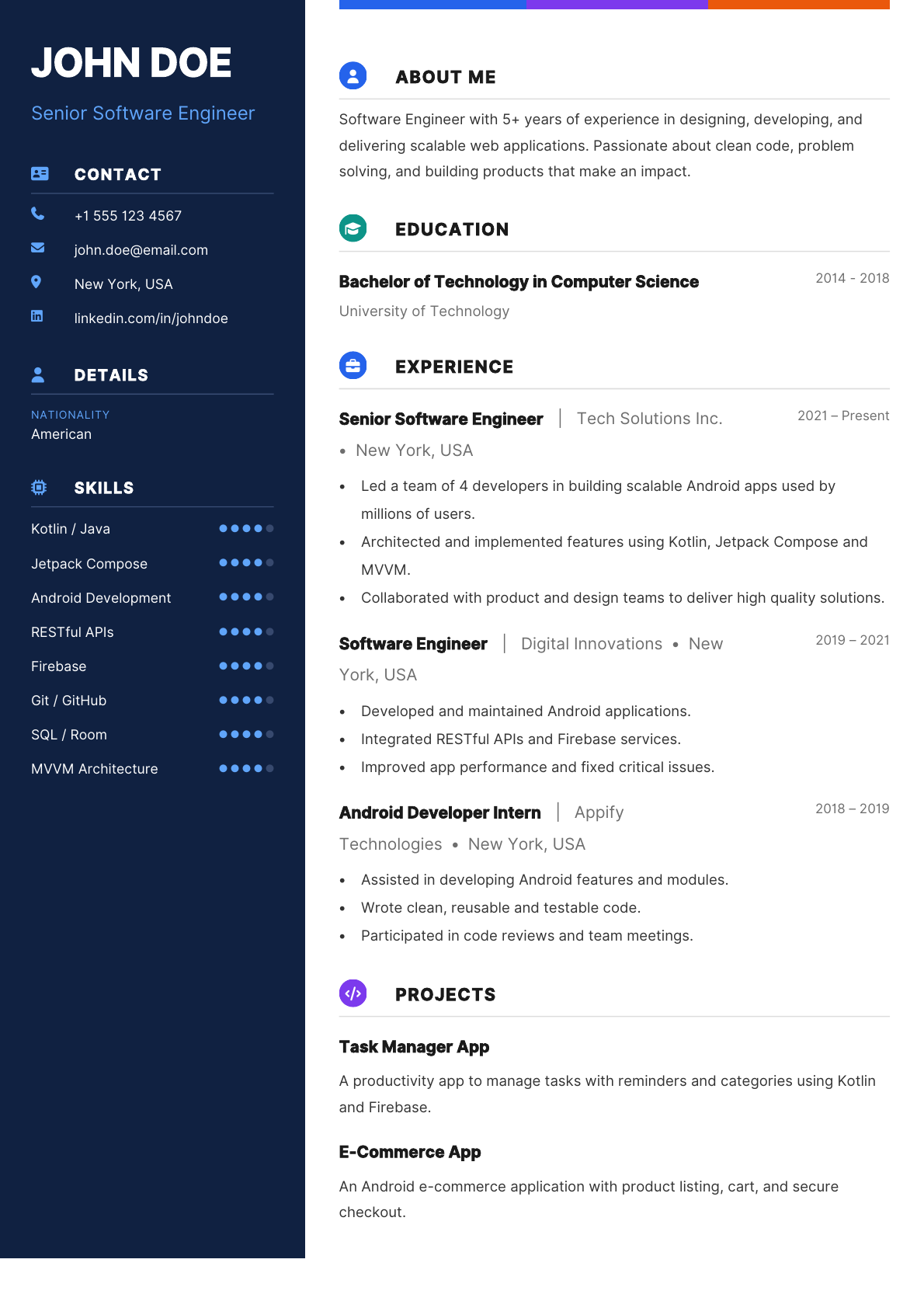
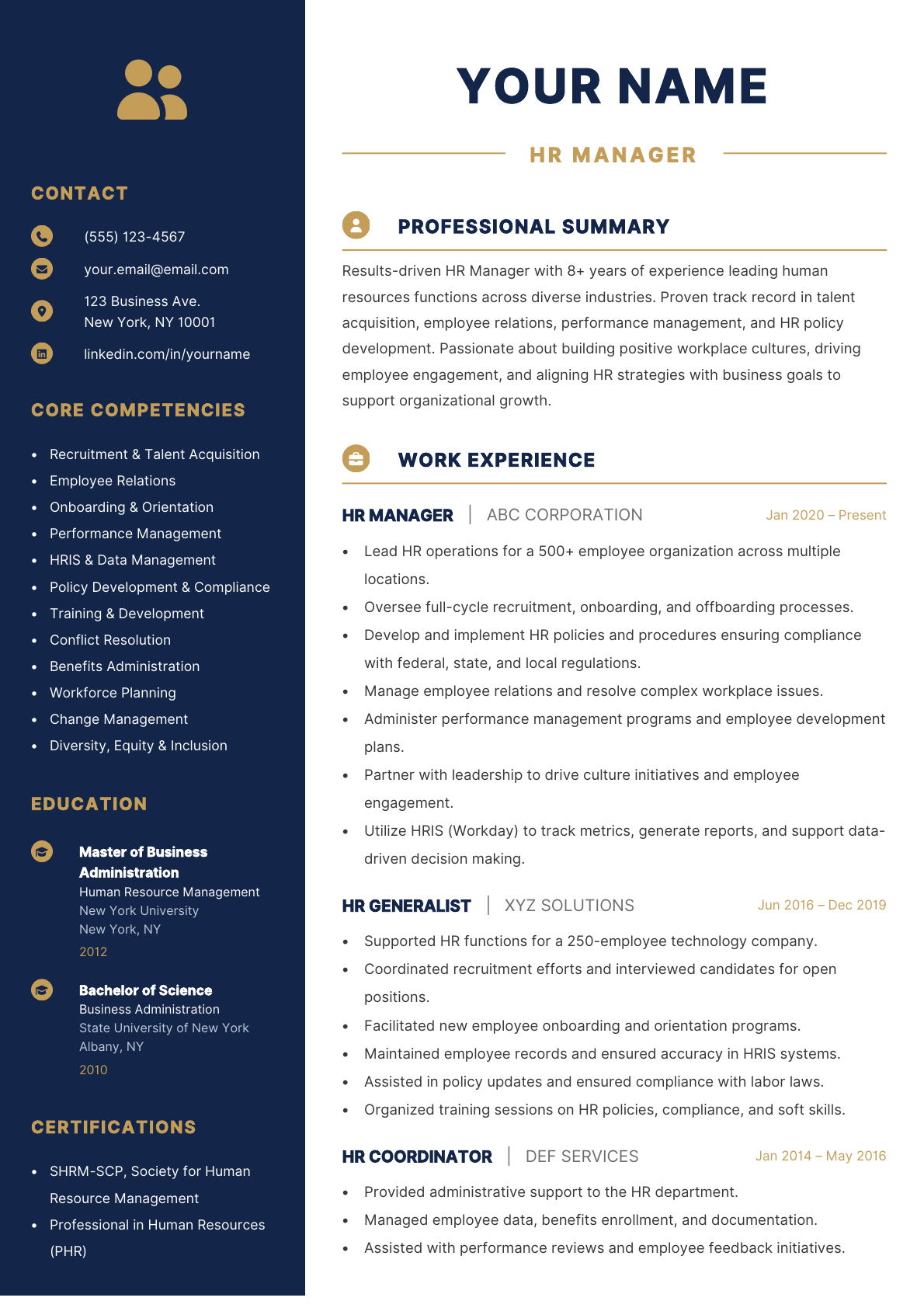
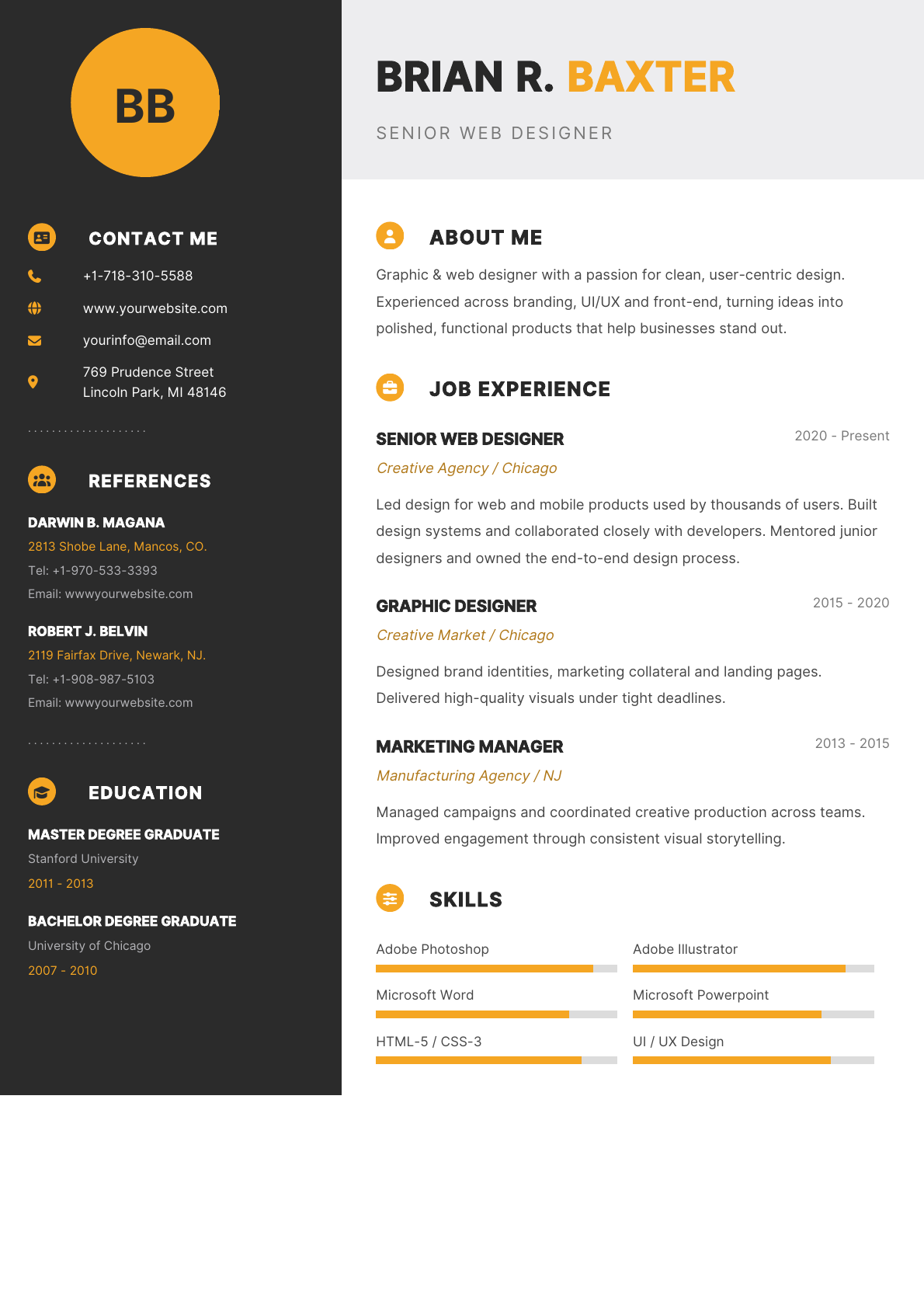
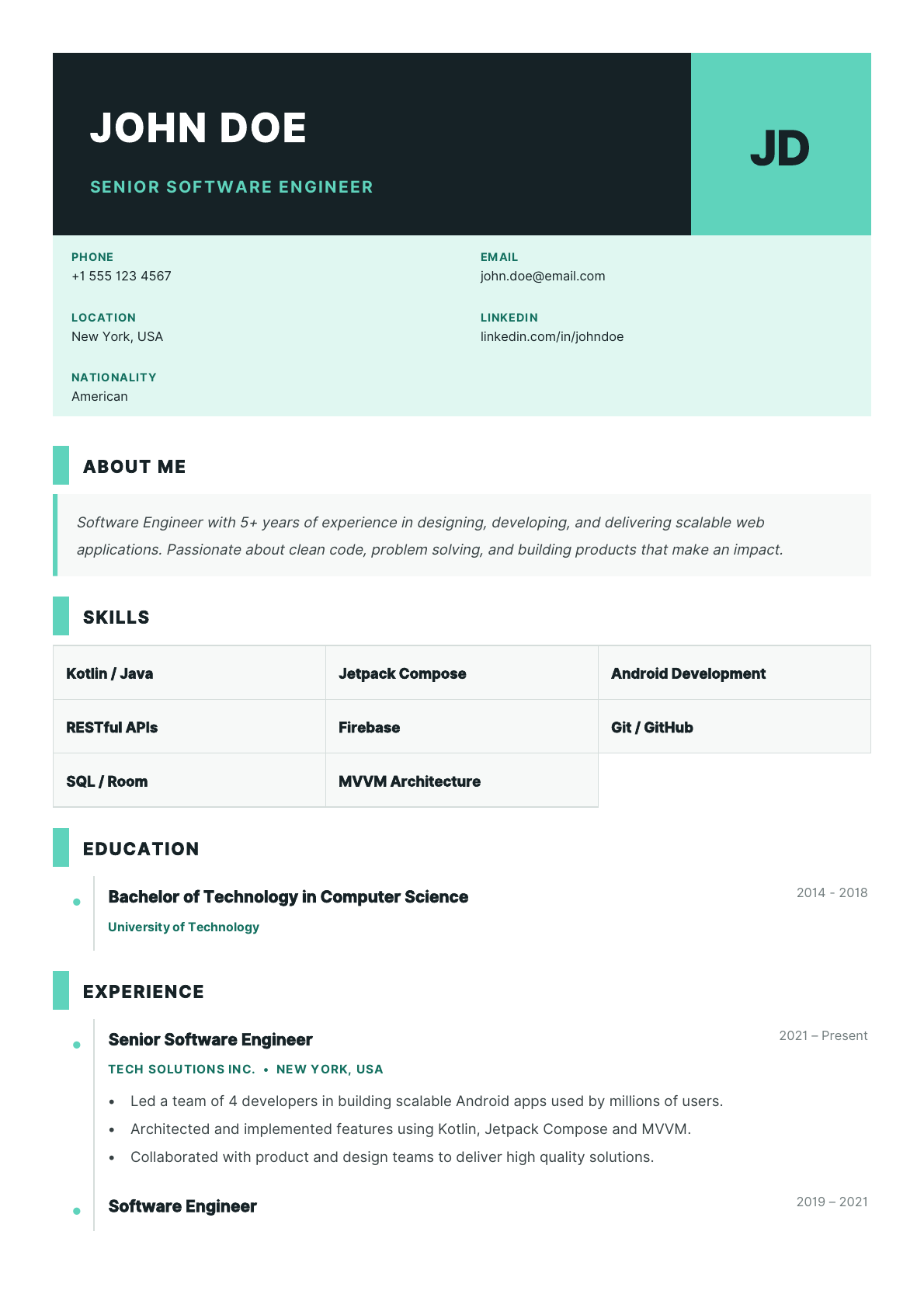
Pick from professional layouts, inspect template previews, and tune your document settings before exporting.
Customize template color, text size, heading size, name size, font style, margins, and paper size such as A4 or Letter.
View the rendered resume before saving, zoom into pages, and keep the final output close to what employers will receive.
Download a fresh PDF, open it from your device, share it, print it, or return later through the My Resumes area.
Built-in guidance
Each major resume area includes example content and writing tips, from work experience and education to skills, references, awards, publications, and resume structure.
The app also includes practical reminders: keep the resume clear, use active language, organize sections in reverse chronological order where it fits, and target your content to the role.
Privacy
Review how ResumeCreator handles data in the app privacy policy.
Contact us
For support, feedback, privacy questions, or store listing requests, email the ResumeCreator support team.